
Give your site a look people remember

WP ASCIIfy
Turn text, images, and motion into signature ASCII visuals people remember.
Create standout ASCII-style sections from headlines, images, and short video clips without slowing your workflow. Perfect for launches, portfolios, and campaign pages that need a distinctive visual identity in Elementor or the block editor.
Best fit for
View Demo
See how it feels in a real page.
Pick a preview on the left and the main display will switch to the selected demo, so each feature feels closer to a real website moment.
Feature Walkthrough
Take a closer look at creative tools and page impact.
Explore the highlighted features behind text, image, and motion effects, including setup controls and real page outcomes.
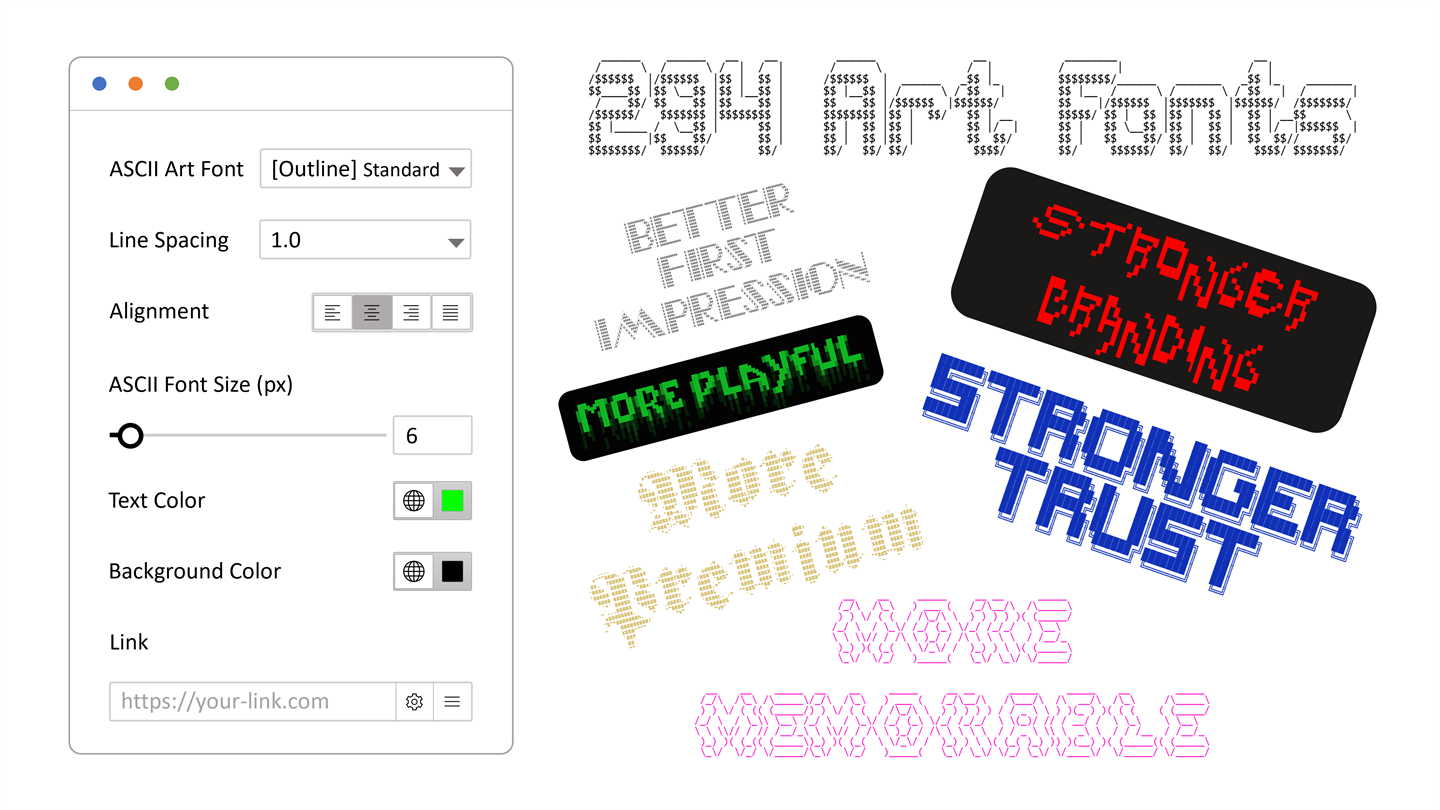
ASCII Headings
Turn simple headlines into signature hero moments.
Use built-in text styles to create banners, intros, and section breaks that instantly feel more branded.
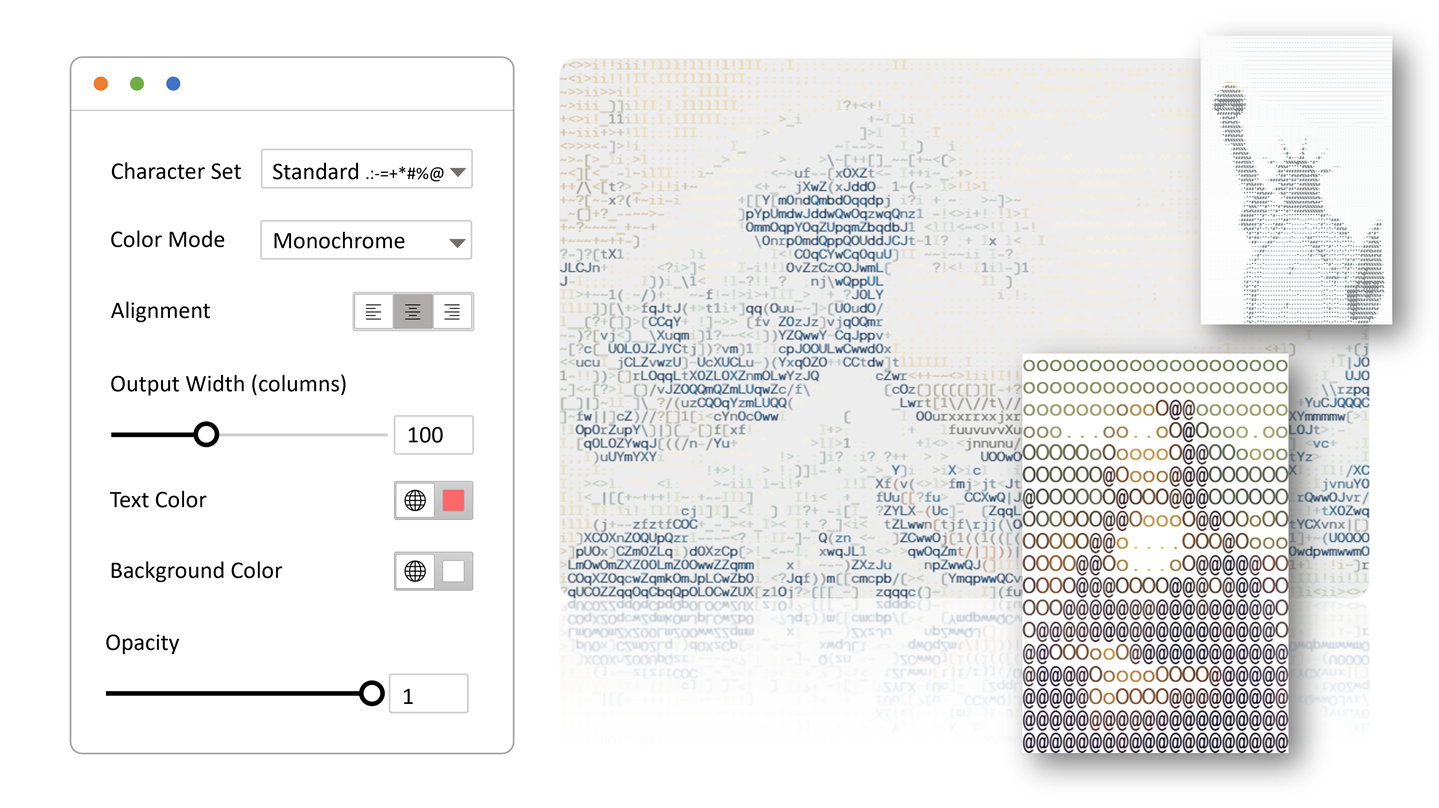
ASCII Images
Give photos and artwork a fresh visual identity.
Convert images into ASCII-style art for campaign sections, about pages, product reveals, or social-first visuals.
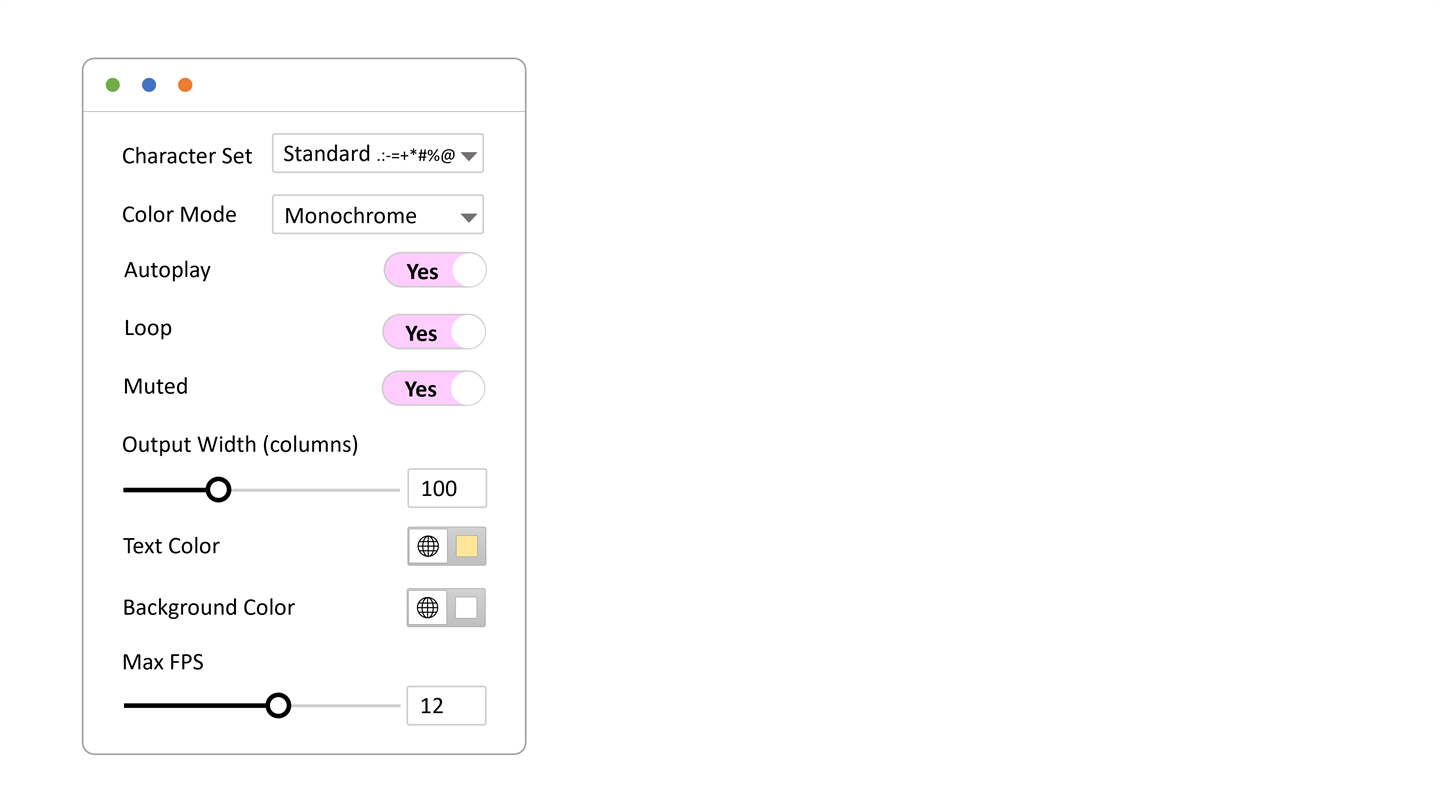
ASCII Motion
Add movement that feels artistic and hard to ignore.
Short clips can become animated ASCII scenes for intros, background moments, and launch-page highlights without overwhelming the page.
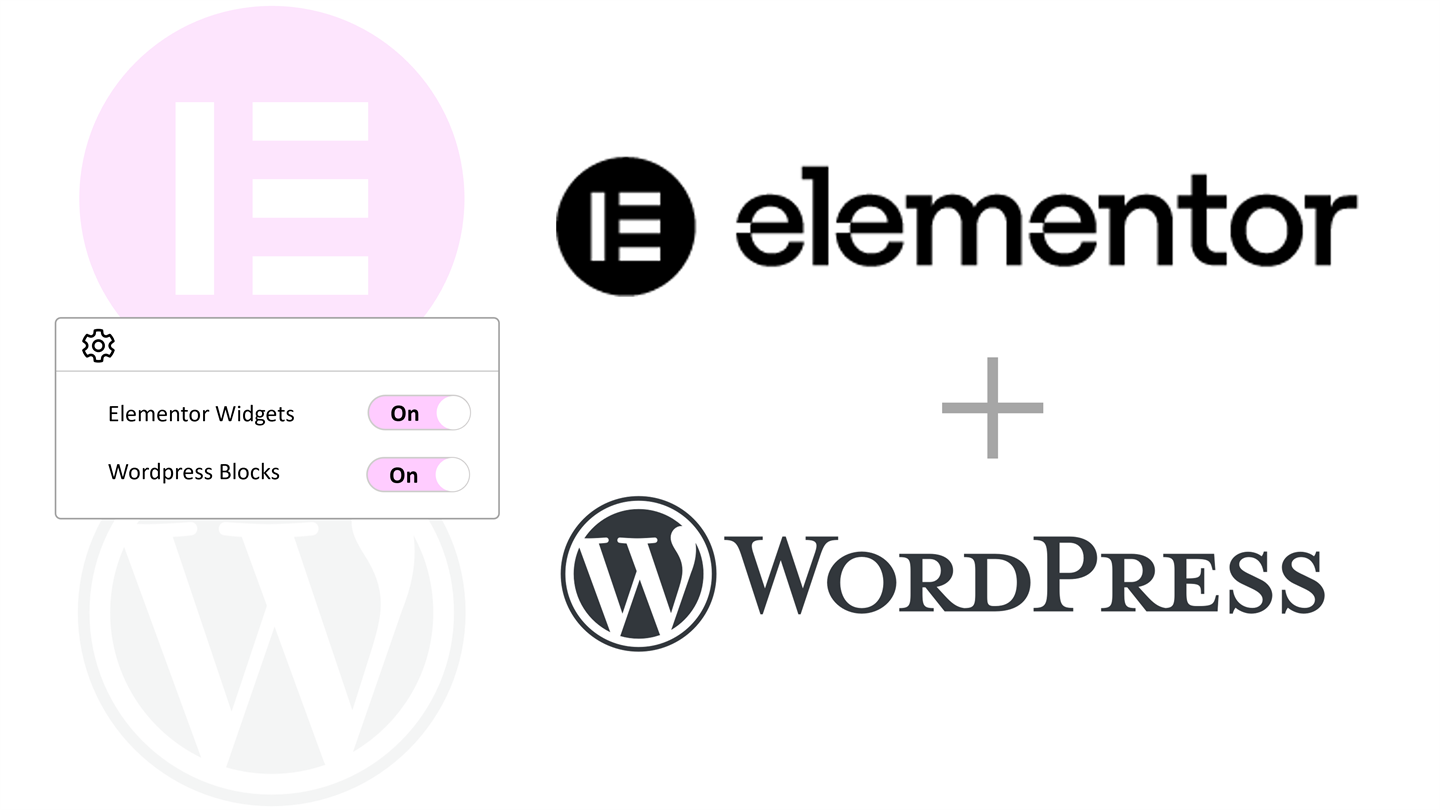
Elementor + Block Editor
Support both Elementor and the block editor with one-click turn-on.
Enable the ASCII effect from Elementor widgets or WordPress blocks, so teams can keep their preferred editor and switch the look on fast.
Stronger brand recall
through signature ASCII visuals
Turn ordinary headings and images into distinctive ASCII moments that make launches and portfolios easier to remember.
Creative range at speed
with built-in style depth
Move from concept to publish fast using text, image, and motion effects with a large built-in FIGlet font library.
One plugin, two editors
consistent creative output
Deliver the same visual direction in Elementor and WordPress blocks without splitting your workflow or design language.
Main Benefits
What this plugin helps you do.
The focus here is on outcomes: better viewing, easier reading, stronger trust, and clearer support for growth.
Text Style
Create retro headings, banners, and section breaks.
Great for launch pages, event pages, developer products, music projects, and bold brand intros.
Image Style
Transform existing images into something more distinctive.
A standard photo can become a stylized visual that feels more artistic and more ownable.
Video Style
Turn short clips into moving ASCII scenes.
Use motion carefully to create atmosphere, intros, and scroll-stopping highlights. Shorter clips usually feel smoother.
Editor Coverage
Build in the editor you already use.
The plugin supports both Elementor and the WordPress editor, so teams do not need to change workflow to try the look.
Built-In Styles
Start fast with a large built-in style library.
You do not need to hunt for outside assets before testing ideas and shaping the mood of a page.
Admin Simplicity
Keep setup simple for teams and clients.
The dashboard gives people a clear place to manage settings, learn the basics, and keep the plugin usable after handoff.
Good to Know
A few helpful checks before you go live.
Compatibility
Works well with
- WordPress 5.8+
- PHP 7.4+
- WordPress editor supported
- Elementor optional for widgets
Friendly Setup Notes
Small things worth knowing
- Elementor widgets are optional; the WordPress editor blocks work without Elementor.
- ASCII image and video rendering happens in the visitor browser, so device speed, clip length, and output density affect smoothness.
- Short clips, clear subjects, and moderate export presets usually create the most reliable motion results.
- Use Media Library files or CORS-friendly sources when processing images and videos, because some outside media blocks browser-side conversion.
Questions
Frequently asked questions.
Do I need Elementor?
No. Elementor is only needed for the Elementor widgets. The WordPress editor blocks work on their own.
What kinds of pages is it best for?
It shines on hero sections, launch pages, portfolios, About sections, and any page that needs a more memorable visual style.
Will motion look the same on every device?
Not exactly. The effect runs in the visitor browser, so smoother results usually come from shorter clips and newer devices.
What can WP ASCIIfy turn into ASCII-style visuals?
It can style text, images, and short video clips, so you can use it for headings, banners, image treatments, and moving visual sections.
Can I use it in the WordPress editor?
Yes. The WordPress editor blocks work without Elementor, while Elementor users can use the Elementor widgets.
What source images work best?
Images with a clear subject, good contrast, and a simple composition usually produce stronger ASCII-style results.
Can I use it for subtle accents instead of huge hero sections?
Yes. It can be used for small section breaks and accents, or for larger hero moments when a page needs stronger visual impact.
Do I need to bring my own ASCII fonts or outside tools?
No. The plugin includes built-in styles and preview controls so you can test ideas directly in your WordPress workflow.
Get Started
Launch distinctive ASCII visuals without changing your workflow.
Start with standout text, image, or motion effects, then scale the same creative direction across Elementor and the block editor.